1. Create a private lobby
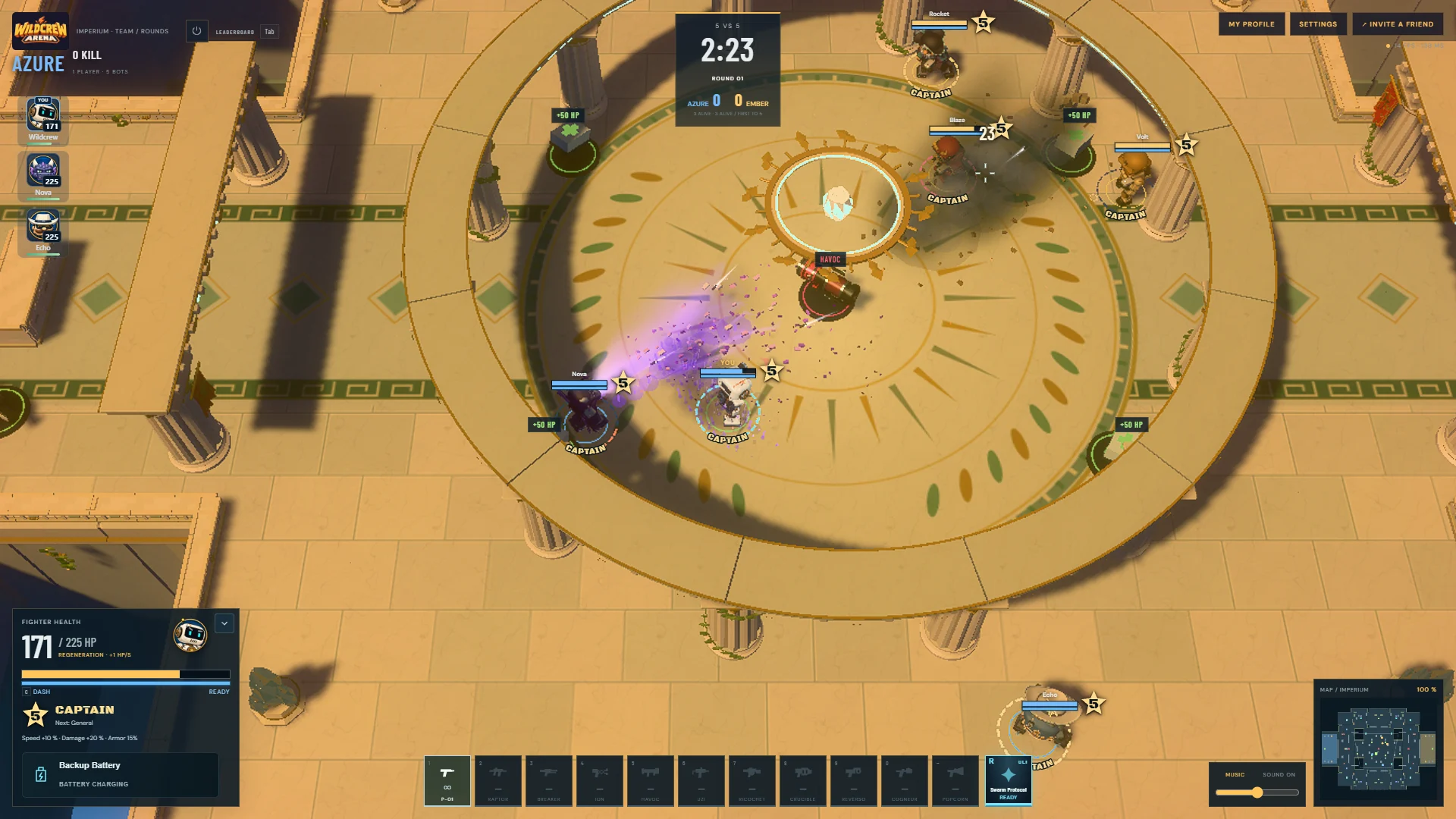
Open Wildcrew Arena, choose a hero and select the game mode you want to play. Choose Create a private match, select an available map and the offered match options, then choose Create match.
The group enters a waiting lobby. Combat does not start while you are preparing. The game mode stays fixed for that lobby.
2. Share the invitation
Copy the invitation link from the lobby and send it to your friends. They can open it in their browser, or use Join with a code on the game’s start screen and enter the lobby code.
The lobby is unlisted. Anyone with its valid link or code can use the invitation, so share it with the players you want to invite.
3. Choose teams and get ready
- Wait until everyone is in the lobby.
- Choose your teams when the selected mode uses teams.
- Check the map and available options, including the bot setup.
- Each player chooses I’m ready.
- The organiser chooses Start match. A shared five-second countdown starts the game.
Changing the map, settings or team composition requires the group to confirm readiness again. Bots fill the planned empty places and give way to human players.
For a first session, take a moment to learn the default controls and read the mode objective.
4. Stay together for a rematch
After the match’s final results, your group returns to the same lobby. Check the next match’s settings, ready up again and launch a rematch.
If the organiser leaves, another connected player takes over the lobby. Closing the lobby makes its invitation unusable.
Questions about playing together
Does everyone need an account?
No account form is required to start. Each player can join with a guest profile in their browser.
Can we play without installing a game?
Yes. Friends open the game in a browser. The browser loads the required game files; there is no separate launcher to install.
Can friends join after the match has started?
Invite everyone before starting. The private-lobby flow supports joining while the group is waiting; do not rely on late arrivals during combat.
What if my friend cannot join?
Check that the lobby is still open and waiting, then copy a fresh invitation. Make sure the friend uses the public website address. A localhost link only works on the device that created it.
Can I refresh the page during a match?
A short connection interruption can be recovered, but reloading the page is not a supported way to rejoin a running private match. Keep the game tab open while playing.