Start your first match
- Open the game and wait for the arena to load.
- Choose your player name, hero and an available game mode.
- Use the play button to enter a public match, or create a private match if you want to explore with your own group.
- Read the objective shown in the lobby. Look for weapons and cover, and keep moving once combat starts.
A guest profile is created without an account form. You can use the optional email recovery in My profile to help keep access to your progress.
Controls on keyboard and mouse
These are the default bindings. Open Settings in the game to check or change your own controls.
| Action | Default control |
|---|---|
| Move | WASD, ZQSD or arrow keys |
| Aim | Move the mouse |
| Fire | Left mouse button or F |
| Jump | Space |
| Dodge | Right mouse button or C |
| Use your ultimate | R, or aim it with the ultimate button |
| Switch weapons | Mouse wheel or weapon keys |
| Plant or defuse | Hold E near the objective |
| Drop a carried flag or bomb | G |
| View the scoreboard | Hold Tab |
On a touch device, use the on-screen movement, aiming and action controls. Check that the game runs comfortably on your device before inviting friends.
Choose a hero, then learn their powers
Each hero has a passive ability and an ultimate. Read the hero profiles to understand what each power does and where it works best. Robert’s profile is one place to start.
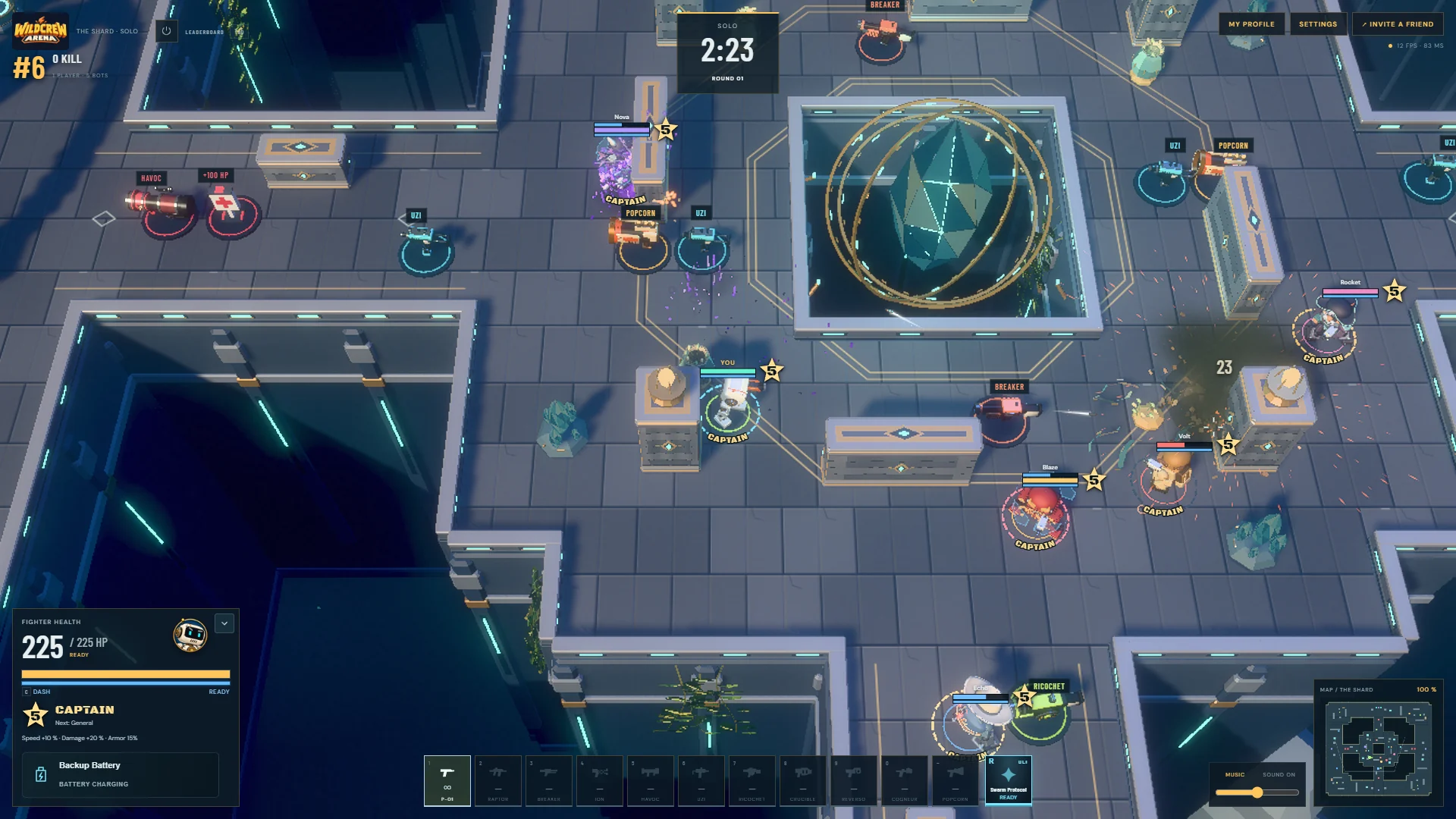
Your ultimate unlocks at grade 5. The in-game indicator shows when it is ready. You can activate it immediately with R, or use the ultimate button to prepare an aimed cast. To cancel the aim, use Escape, right-click or press the button again.
Weapons are found in the arena. Try different ranges: stay close with a shotgun, use cover to approach an opponent, and save a powerful ability for a moment when it can change the fight.
Five ways to approach the arena
The lobby shows which modes are currently available, along with the active match rules.
- Solo
- Free-for-all combat. Every other fighter is an opponent.
- Team
- Fight with your teammates. Rules can use respawns or elimination rounds.
- Flag
- Capture the enemy flag and bring it to your base. Your own flag must be home to score.
- Bomb
- Plant a bomb at an enemy site, protect the charge and stop the other team’s bombs.
- Siege
- Break through defensive turrets and destroy the opposing core.
In team modes, protecting an ally or playing the objective can help more than chasing one extra elimination.
Before you play
Do I need an account?
No account form is required to start. Your guest profile is linked to this browser. Optional email recovery helps you regain access later; clearing browser data can otherwise remove access to the guest profile.
Do I need to download anything?
You do not need to install a launcher or a separate game. Your browser downloads the game’s files when you launch it, so the first load may take longer.
Which browsers can run the game?
Use a recent browser with hardware acceleration and support for WebGPU or WebGL 2. If the normal launch fails, try the compatibility option on the loading screen.
Can I practise with bots?
Bots fill empty places in matches. A private lobby lets you prepare a match with your own group and the available bot settings.
Is Wildcrew Arena a MOBA?
It is a MOBA-inspired arena shooter. Heroes, abilities and team objectives are part of the experience; direct movement, aiming and weapons found in the arena shape the combat.